1. SDK Server Deployment and Startup
1.1. SDK server startup
Step 1: Before the SDK server starts, it must verify whether the FAIRINO_ARTPlugin has started successfully.
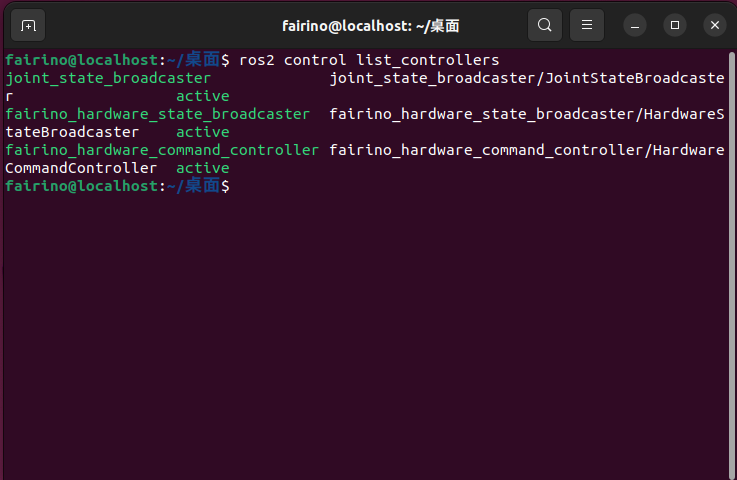
Figure 1-1 FAIRINO_ARTPlugin Startup Result
Step 2: Navigate to the SDK package’s decompressed directory—for example, the controller’s default deployment path is home/fairino/ros2_ws—locate the file runSDKServer.sh, and execute it.
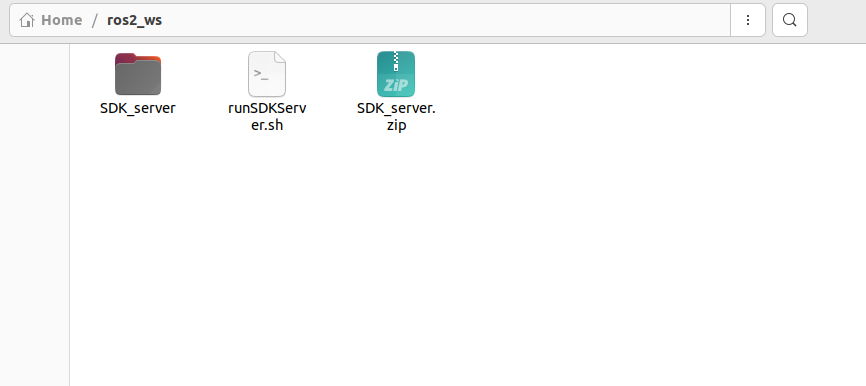
Figure 1-2 SDK Deployment Path
Step 3: Open a Bash command window at this path, then enter ./runSDKServer.sh. If the following interface appears after execution, the process is successful.
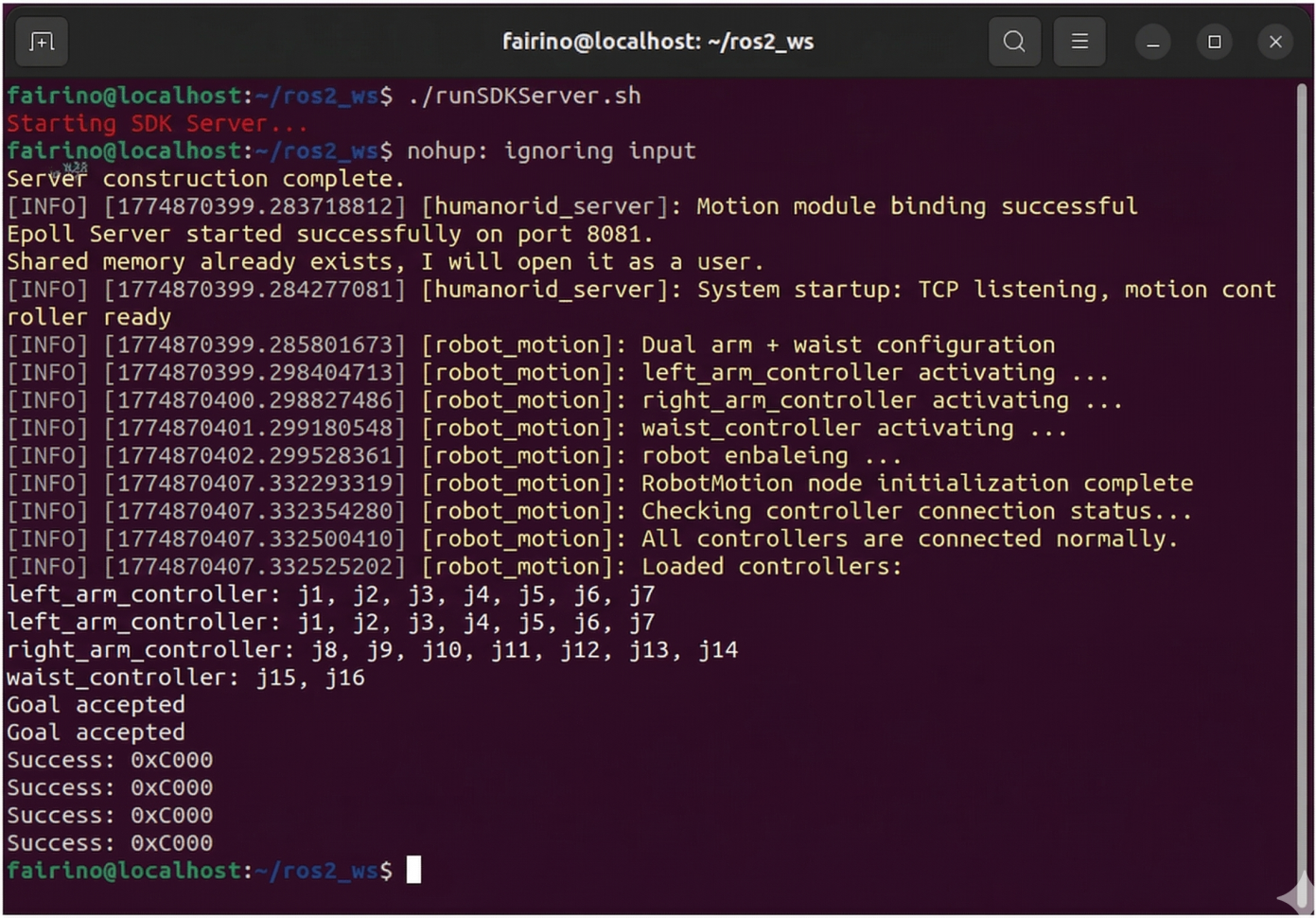
Figure 1-3 SDK Server Startup Page
Note
Note: 1. Before running the runSDKServer.sh script, open the script to check whether ROS_DOMAIN_ID is set.